


Introduction
Design sits at the heart of most architecture and engineering (A&E) projects, making the selection of architecture design software one of the most consequential decisions a firm can make.
The tools you pick directly influence design efficiency, coordination, and project progression from early concepts to final delivery.
The right software improves collaboration, supports better design decisions, and helps avoid costly rework. The wrong choice does the opposite, slowing production, creating friction, and hurting coordination, leading to missed deadlines, blown budgets, and frustrated clients.
For small and mid-sized A&E firms, the stakes are even higher. With tighter budgets, leaner teams, and limited capacity for failed implementations or bloated software stacks, every tool has to earn its place.
That’s why firms need design software that fits into real project workflows, without adding administrative overhead or locking teams into rigid processes.
To help you find the right design tool for your firm, use this guide to understand the six key elements to consider when selecting architecture design software. We’ve also listed the top 10 design tools, breaking down their strengths, limitations, and pricing.
We’ll also go over how firm management software, like Factor AE, complements design tools and connects your design, data, and operations workflows in one efficient system.
How To Choose the Best Architecture Design Software
The best architecture design software is one that fits your team’s design style, project scale, and workflow. The six considerations below focus on elements that most directly impact daily productivity and long-term scalability:

1. Core Design and Modeling Capabilities
At its core, architecture software must support clear, accurate design thinking. That starts with precise 2D drafting for site and floor plans, sections, details, and construction documentation. Even firms working heavily in 3D still rely on 2D outputs to communicate intent and resolve technical issues. Then, look for strong 3D modeling to explore massing, spatial relationships, and intent.
The best tools enable smooth transitions between 2D and 3D, allowing teams to avoid wasting time redrawing work as projects evolve.
Modern A&E firms also require Building Information Modeling (BIM) capabilities to integrate their design processes. BIM tools use data-rich building components that automatically update across drawings, schedules, and views, increasing consistency and reducing coordination errors.
Finally, consider visualization features, such as built-in rendering, extensive material libraries, and adjustable lighting. These features help teams communicate ideas clearly to clients without relying on separate software too early.
2. Compatibility and File Format Support
Architectural design doesn’t happen in isolation. Projects involve consultants, engineers, contractors, and clients using different tools, making interoperability a business necessity.
Support for commonly used file formats, such as DWG, DXF, IFC, SKP, OBJ, RVT, and PDF, ensures teams can collaborate without constantly recreating work across different tools. This also reduces time wasted and rework caused by broken file imports and exports.
If your firm utilizes BIM workflows, your tools must have robust support for Industry Foundation Classes (IFC) to facilitate seamless coordination between architectural, structural, and MEP models.
Look for design software that integrates easily into your existing workflows. When your tools work well together, teams spend less time managing files and more time designing within scope.
3. Ease of Use
Even the best design tool can become a liability if it slows teams down. For your design platform to support productivity, it should have intuitive interfaces and workflows that match how architects think and work.

Pick a tool that is easy for your design team to learn and use efficiently. Hard-to-learn tools increase onboarding costs and training time. They can also force firms relying on a few power users, creating uneven workloads and bottlenecks.
Some tools are still worth the steep learning curve if they deliver long-term efficiency gains and offer strong onboarding resources, including built-in tutorials, templates, and active user communities, for easier adoption.
Also, look for features that increase productivity by reducing repetitive work, such as parametric components, drag-and-drop libraries, and automatic updates. These features save time and help architecture firms keep labor and budgets aligned as projects evolve.
To ensure that the tool has long-term usability at your firm, evaluate its broader ecosystem, including plugins, customer support, and update frequency.
4. Collaboration and Documentation
Architecture is inherently collaborative, so your design software must support shared models, multi-user access, and coordinated workflows.
Strong documentation tools are just as critical. Automatically generated plans, sections, schedules, and details reduce inconsistencies and last-minute coordination issues.
Good collaboration and documentation features mean firms can better forecast remaining work, allocate staff appropriately, and avoid late-stage surprises.
5. Trials and Pricing Structures
The pricing models and trials of design tools directly impact your firm’s finances.
Take advantage of free trials, which most architecture design software offers. Your teams can test usability and performance during the trial, so you don’t commit to a costly decision that doesn't scale with your firm.
Also consider which pricing structure works best for your firm. Common options include:
- Named license, where the license is exclusively tied to the specific user.
- Floating license, where a team of users can share a limited number of licenses.
- Perpetual license, where you get to use the software indefinitely for a one-time fee.
- Monthly or annual subscription.
Each option has its pros and cons, with floating licenses being more cost-effective for firms with variable workloads or part-time users. Subscriptions offer predictable costs but can escalate quickly as teams grow. Perpetual licenses reduce long-term expenses but may require separate upgrade fees.
The key is to pick a pricing model that fits your budget, staffing patterns, and project volume.
6. Workflow Efficiency
Your design software shapes more than creative output. Inefficient software can impact schedules, staffing needs, deliverable timelines, and fee burn across your entire firm.
When a team struggles with complicated workflows, duplicated work, or coordination errors, it slows design, but it also drives up labor costs, delays approvals, and creates uncertainty in budgeting.
For small and mid-sized A&E firms, every hour and resource counts. Poor workflows can quickly reduce profitability and create stress for staff and leadership.
Design tools that speed up modeling, documentation, and collaboration, help teams work faster, reduce rework, and keep projects on schedule.
But even the most efficient design platform has limits: it can’t track time, capacity, billing, or overall project health.
This is why most A&E leaders complement architectural design software with purpose-built firm management software. One drives creative excellence, the other ensures that creativity is sustainable, profitable, and well-managed.
Top 10 Architecture Design Software
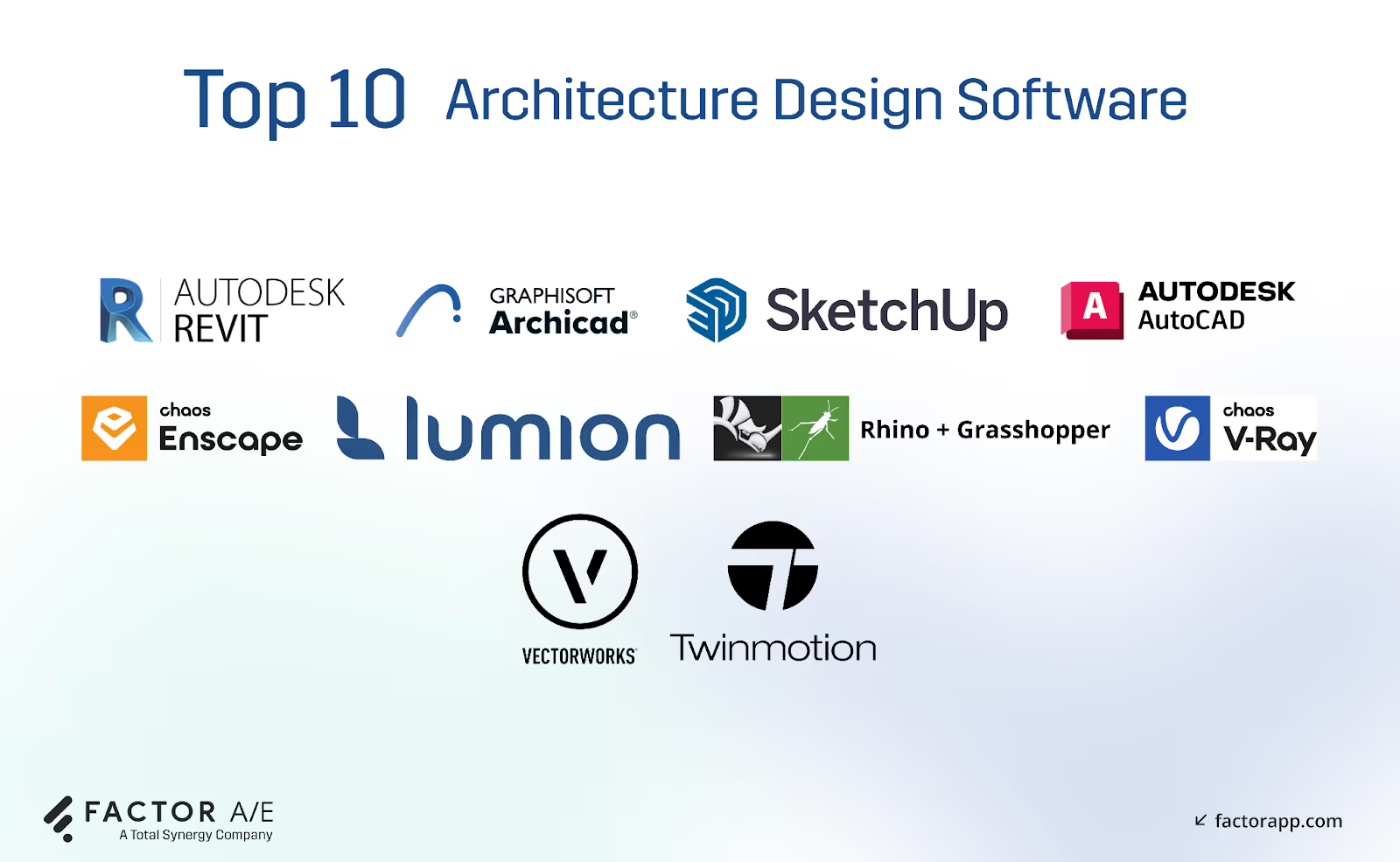
These 10 architecture design and visualization platforms serve a variety of use cases. For each tool, we’ll highlight its main strengths and weaknesses, pricing, and who it’s best suited for.
1. Autodesk Revit
- Best for: Mid-sized and large firms that design within a BIM environment.
- Cost: $3,005 per year per user, with a 30-day free trial.
Revit is the industry-standard BIM platform for tightly coordinated, data-rich models.
BIM tools are almost universal in modern architecture, with one study finding that 88.3% of building design consultants use manufacturer-provided BIM objects.
Revit’s biggest strength is parametric design. When a designer moves a wall or updates a level, every related plan, section, elevation, and schedule updates automatically.
For A&E firms, this significantly reduces coordination errors and late-stage rework that can erode margins.
However, this parametric approach, which makes Revit powerful, can also slow down early ideation. Freeform exploration, sculptural geometry, or rapid “what-if” design studies often feel constrained, so your designers might need to pair it with complementary tools, which adds to your firm's expenses.
2. Graphisoft Archicad
- Best for: Designers seeking a visually expressive BIM environment that fosters creativity without excessive rigidity.
- Cost: Subscription and perpetual license options vary by region; free trials and student editions are available.
Archicad offers a more design-centric BIM experience, balancing structure with flexibility. It excels at keeping design fluid without sacrificing BIM coordination.
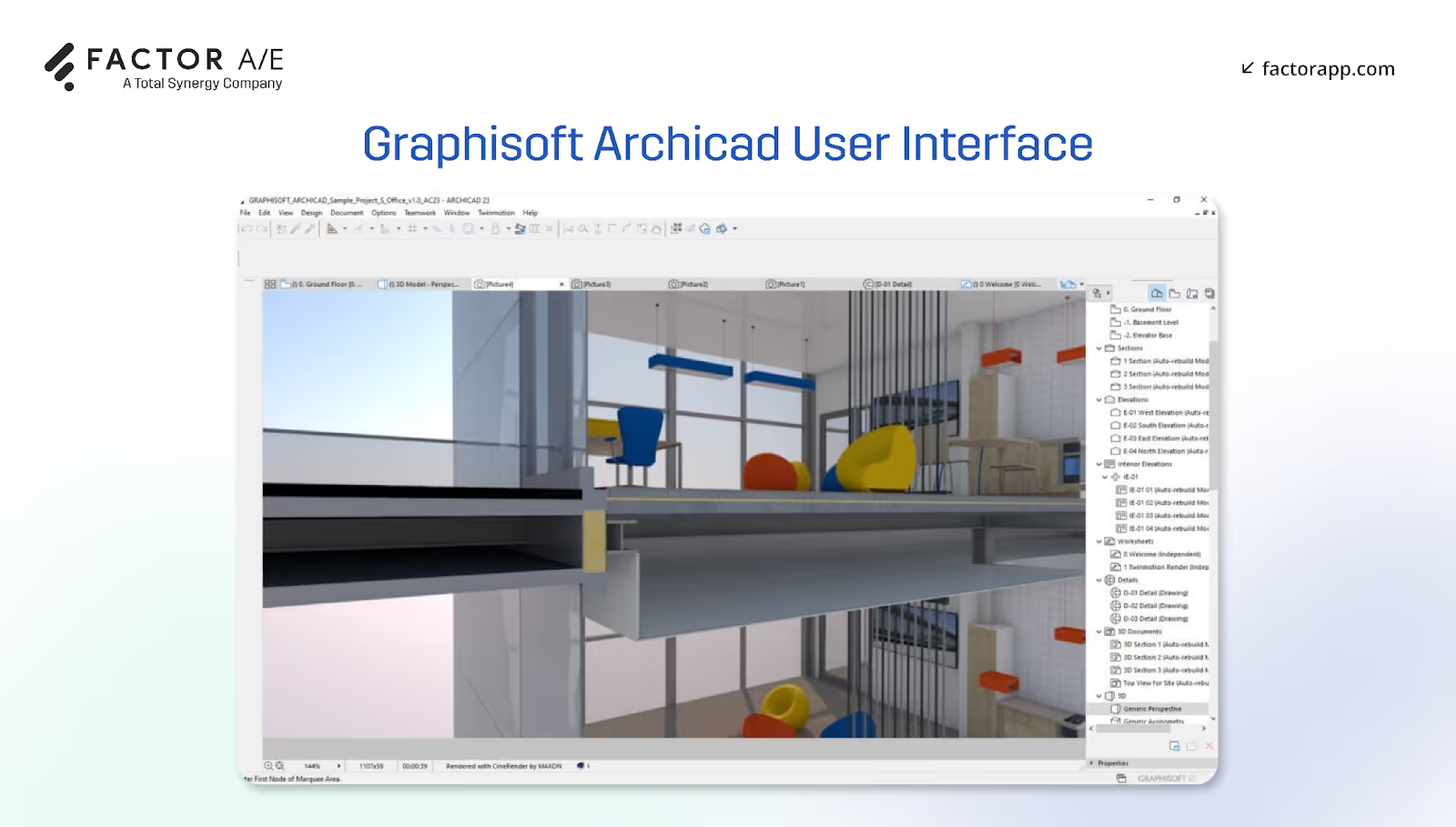
Its sketch-to-model workflow feels lighter than many BIM tools, helping designers explore ideas without getting bogged down in rigid menus or complex commands. Its built-in 3D visualization features also reduce reliance on external rendering software early on.
Archicad features AI-assisted tools that support faster ideation during the early stages, such as the schematic design phase.
However, a smaller plugin ecosystem and limited computational flexibility mean that architecture firms pushing advanced parametrics may need supplemental tools.
3. SketchUp
- Best for: Students, solo designers, and small studios producing early-phase concept models and visual presentations.
- Cost: Tiered subscriptions with a 30-day trial.
SketchUp is fast and intuitive 3D modeling software. Its drag-and-pull interface makes it easy to test massing, spatial relationships, and basic forms with minimal setup.
The massive 3D Warehouse library enables teams to populate models rapidly, which is especially useful during feasibility studies or presentations to demonstrate design intent to clients.
But SketchUp is a concept tool. As projects mature, the lack of BIM intelligence and parametric control means models often need to be rebuilt elsewhere, introducing rework that firms must plan for.
4. Rhino + Grasshopper
- Best for: Firms and designers specializing in advanced geometry, research-driven design, or custom parametric systems.
- Cost: One-time perpetual license of Rhino 8 for $9,950 for 10 concurrent users and $49,750 for 50 concurrent users. Optional upgrades and a free evaluation version are available.
Rhino offers flexible freeform modeling, while Grasshopper enables node-based parametric and computational design.
Together, this combo lets designers create complex forms, test rule-based systems, and explore environment-driven geometry. Architects also have access to hundreds of plugins that extend Rhino’s capabilities into environmental analysis, automation, and fabrication.
For A&E firms that compete on innovation or custom solutions, this is a major differentiator that sets Rhino+Grasshopper apart.
However, this freedom also requires higher technical skills to use it correctly. Rhino also lacks built-in documentation workflows, resulting in higher training costs for A&E firms, who often require parallel BIM or documentation tools.
5. Autodesk AutoCAD
- Best for: Designers and firms that rely on detail-rich 2D documentation.
- Cost: Subscription-based, about $2,095 per year for one user; includes a 30-day trial.
AutoCAD remains the global standard for precise 2D drafting, diagramming, and detail-oriented design.
Designers who reason through drawings benefit from AutoCAD's precision and speed, particularly during zoning studies, layouts, or detailing phases. It’s also highly interoperable, making it reliable for consultant coordination.
However, there’s no automatic coordination between drawings, minimal 3D design capability, and no visualization features. This increases manual effort and risk as projects evolve, requiring architects and designers to manually update changes across multiple platforms.
6. Vectorworks Architect
- Best for: Small and mid-sized firms needing an all-in-one 3D design software for BIM, CAD, and modeling.
- Cost: Around $1,530.00 per year for one user. Free 30-day trial available.
Vectorworks combines 2D drafting, 3D modeling, site tools, and rendering in a single platform. This reduces tool sprawl and helps teams manage concepts, documentation, and visuals more efficiently without the need for constant file switching.
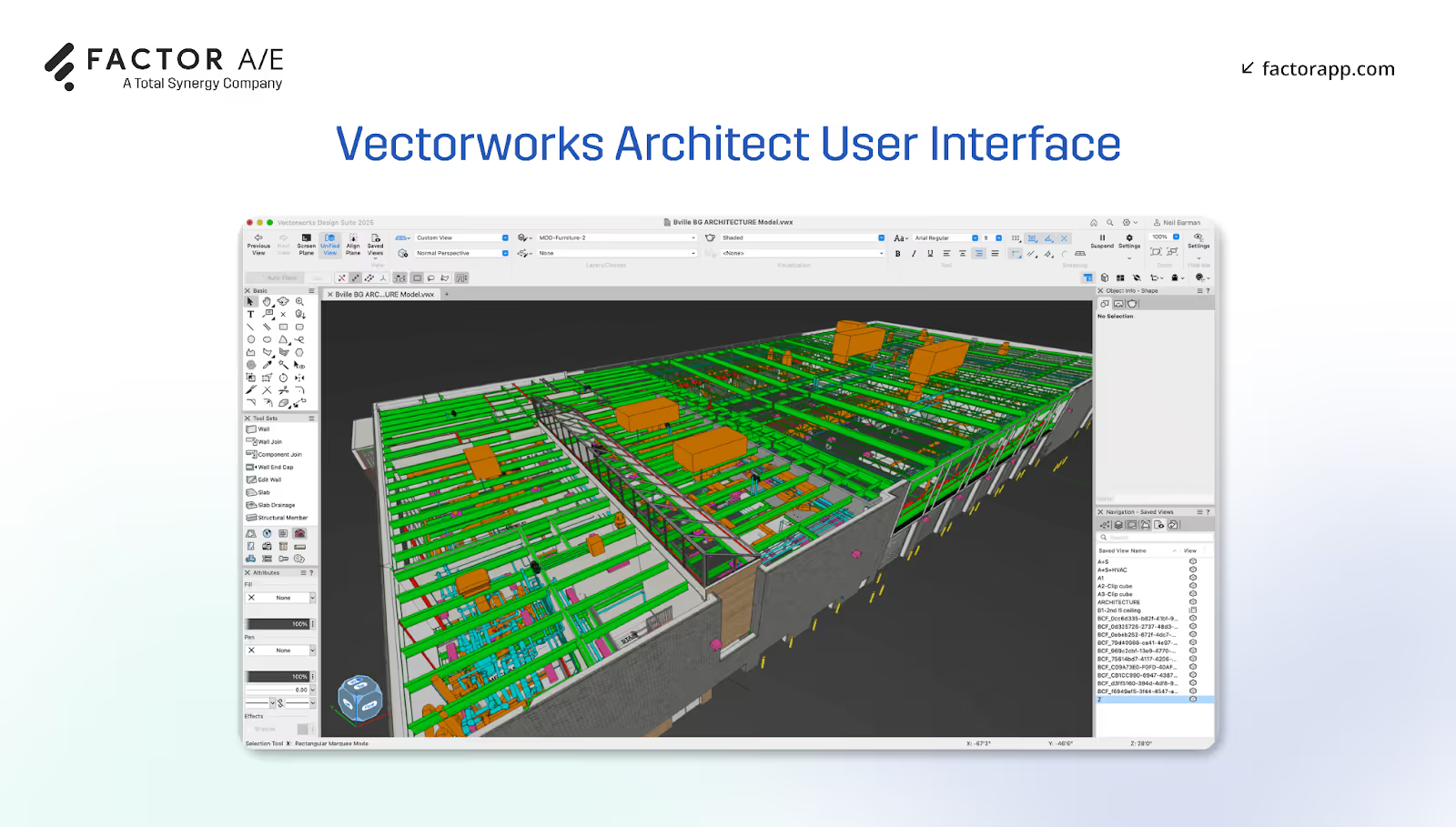
Vectorworks also has strong modeling and terrain features, making it a highly adaptable platform for architecture, interiors, landscape, and mixed-discipline practices.
But, Vectorworks’ parametric tools are more structured and object-driven, making it less suitable for advanced computational or algorithmic design than other platforms. Designers trying to push beyond typical architectural modeling often need to export their models to other software, which adds extra workflow steps, file management challenges, and coordination difficulties.
It also features a dense user interface, which may be challenging for new users, and a smaller plugin ecosystem compared to other providers, such as Autodesk.
7. Twinmotion
- Best for: Designers who want real-time visuals without complex rendering workflows.
- Cost: Twinmotion is free to use for individuals and companies with an annual gross revenue of $1 million USD or less. For those over this limit, it’s about $445 per seat per year.
Twinmotion is a real‑time rendering and visualization software that’s great for atmospheric renders, site context, and design storytelling with minimal setup.
Drag-and-drop materials, strong outdoor and context rendering, and live links to major design tools allow teams to visualize changes instantly. It’s also VR-ready, making it effective for immersive client reviews.
For A&E firms, this means shorter client presentation, feedback, and approval cycles. It also reduces rework caused by early misaligned expectations.
Twinmotion’s main limitation is hardware dependency. It requires a strong GPU for smooth performance, which can be expensive. And, it doesn’t offer the same level of fine-grain control or photorealism as tools like V-Ray.
8. Enscape
- Best for: Architects who want immediate visuals without leaving their modeling environment.
- Cost: About $634.80 per year for one floating license.
Enscape keeps designers in flow by rendering directly inside Revit, SketchUp, Archicad, Rhino, and Vectorworks. So, your teams can test ideas instantly and without exporting.
The tool supports rapid iteration with instant walkthroughs, VR, and fast viewport rendering, speeding up design decisions.
But performance can slow down for very large or complex models. And, Enscape isn’t meant for ultra-polished marketing imagery, so your firm may require external rendering software.
9. Lumion
- Best for: Architecture firms creating highly polished visuals and client-ready animations to sell design intent.
- Cost: Lumion Pro is $1,149 for a named license per user per year. Lumion Studio costs approximately $1,499 per year for a floating license per user.
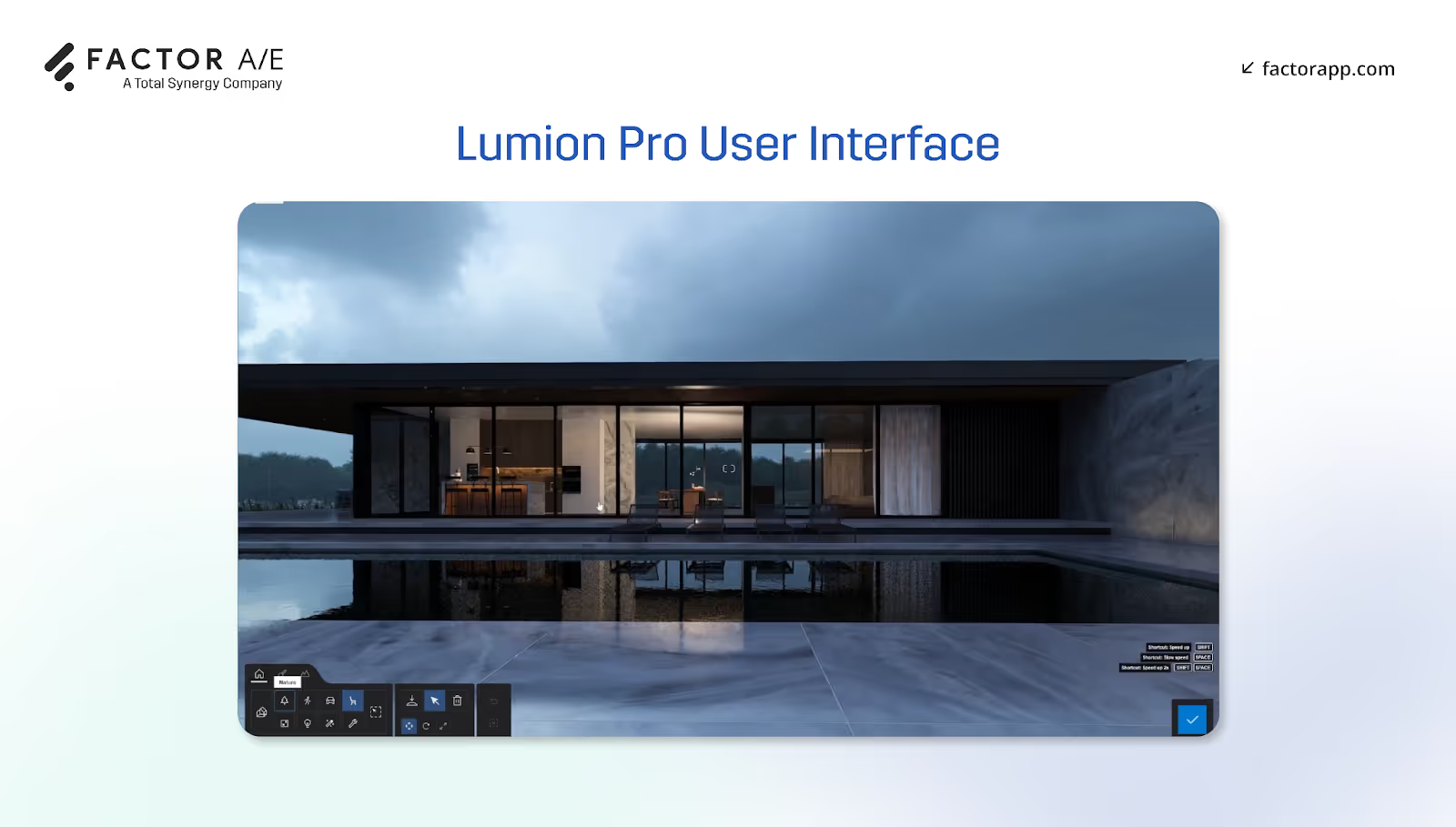
Lumion shines when selling a vision. It’s built for high-fidelity, cinematic visualization and is especially strong for landscape, context, and atmospheric storytelling.
Its massive object and material library, fast rendering engine, and intense lighting and animation tools enable architects to create polished visuals without having to build everything from scratch.
When used strategically, it can help firms win work by improving buy-in and reducing uncertainty.
But Lumion requires exporting models from design software, adding another step in the workflow. It also demands a strong GPU, which can increase hardware costs for firms.
10. V-ray
- Best for: Designers and firms who need pixel-perfect, photoreal images
- Cost: $718.80 per year for one floating license.
V-Ray delivers industry-leading realism for competitions, branding, and high-stakes presentations. It offers deep material and lighting control across most major modeling platforms.
V-Ray is best suited for use when firms require pixel-perfect imagery to support branding and high-stakes presentations, rather than for daily design. It has longer render times when producing highly realistic renders and a steeper learning curve than other tools.
Bring Your Design Workflow Together with Factor AE
No matter how great your architecture design software is, it still needs to be backed by clear workflows and project oversight to prevent delays and cost overruns.
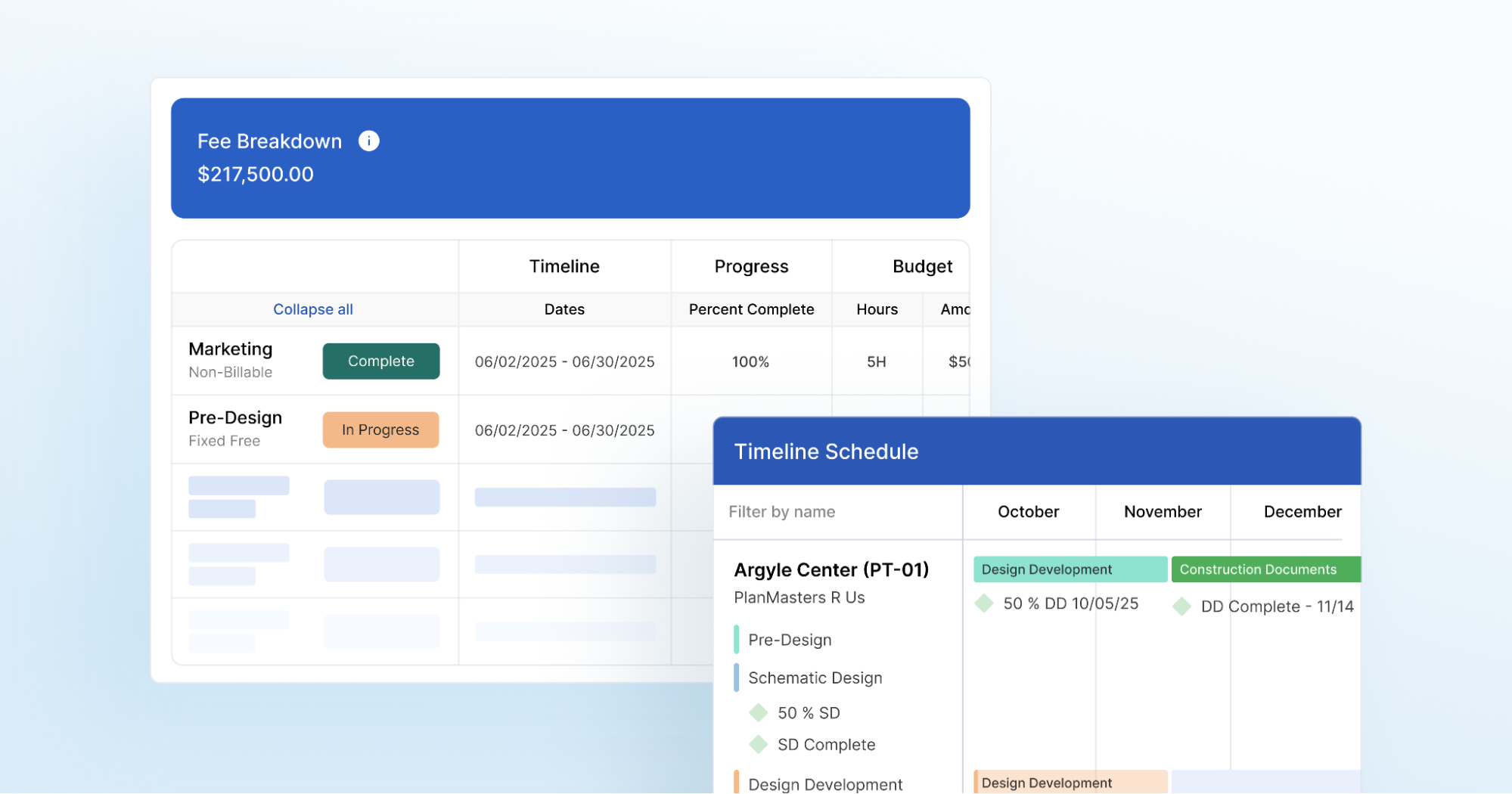
A&E firms need a platform that unifies design processes with project schedules, staffing, and operational oversight. Factor AE provides that bridge, connecting creative work to the business side of your firm.

Factor AE is a purpose-built solution specifically designed for A&E firms, ensuring architects can fully focus on their designs by simplifying financial and operational functions for leaders. Here’s how:
- Real-time project profitability tracking.
- Integrated budgeting and resource planning.
- Time tracking built around AE workflows.
- Invoicing that mirrors how architects work.
- Firm-wide visibility.
Factor AE gives firms the business-layer visibility needed to build healthy teams and support stable growth. Designers and architects can focus on creating great designs while firm leaders gain clarity over finances, staffing, and project performance. It’s the essential complement to any architecture design software stack.
See why Factor AE is essential for your architecture software stack with a free walkthrough with a product specialist.

Recommended articles

.avif)
See Factor in action
In one quick call, we’ll show you a simpler way to run projects and get paid faster.
.png)
“I recommend Factor to other firms. The team is great, it’s easy to use, and it has streamlined my project management. It can do the same for yours.”
Adam Mayberry
Architect / Managing Principal


