
.png)
Where better tools lead to better results.
Our customers say it better than we ever could.
.png)

“To have that live view of my business and know if I need to step on the gas in one area or the other, whether that’s marketing or product delivery... It’s just good to have that knowledge on a daily basis.”
Adam Mayberry
30+ projects
billed in under an hour.
4-12 mos
of project runway visible in real time.
Features that cut busywork
so you can focus on billable work.
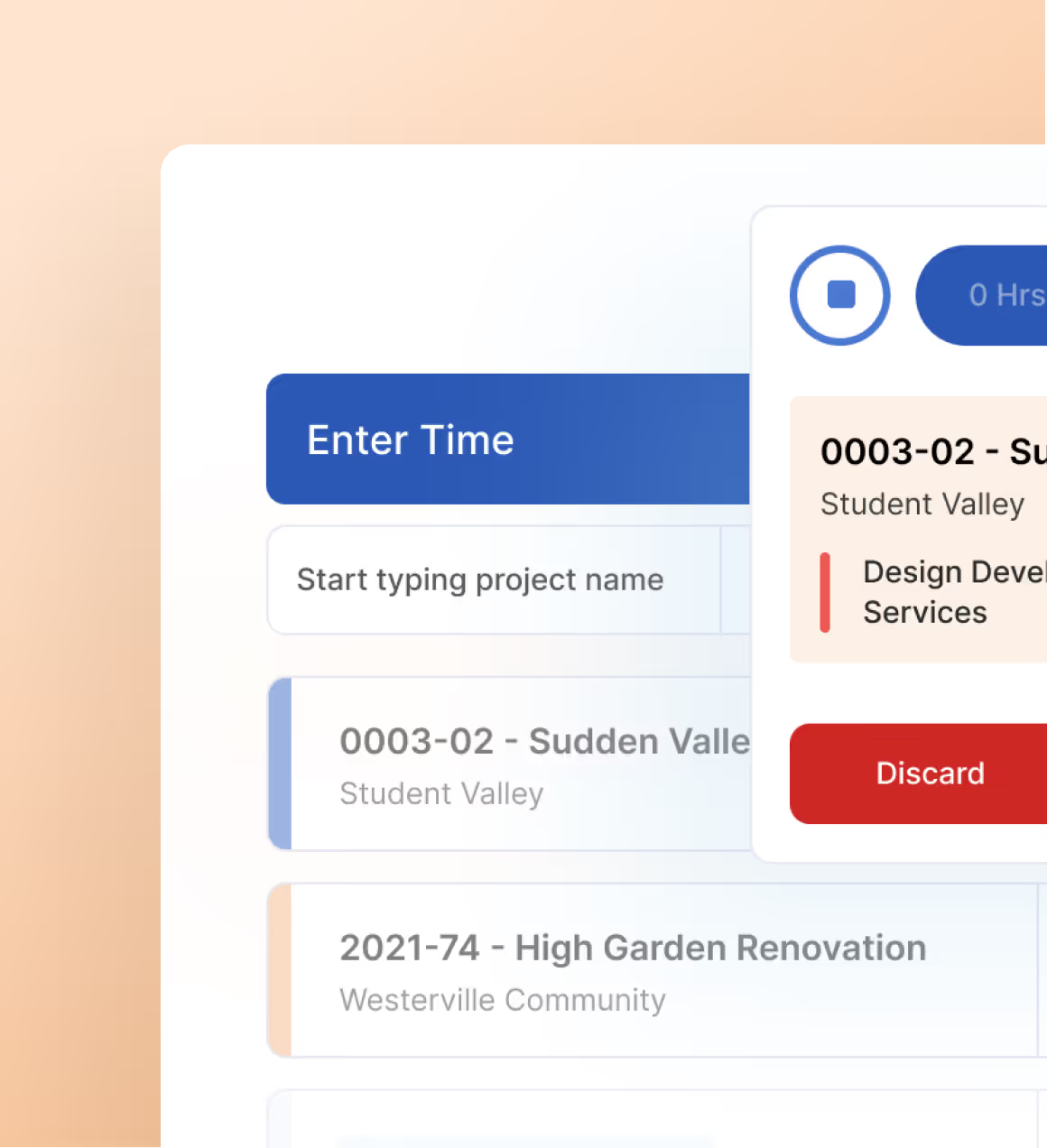
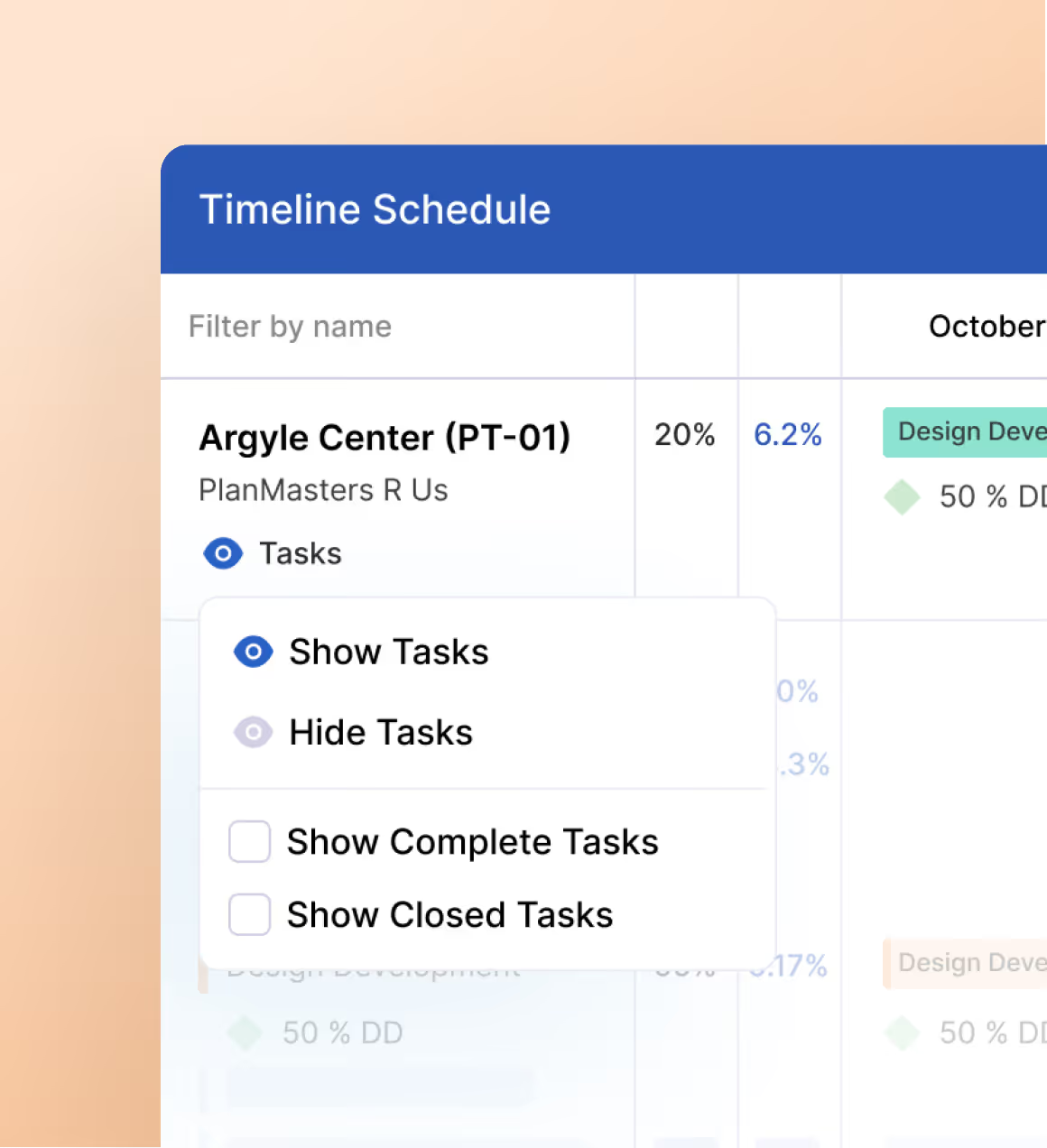
Planning
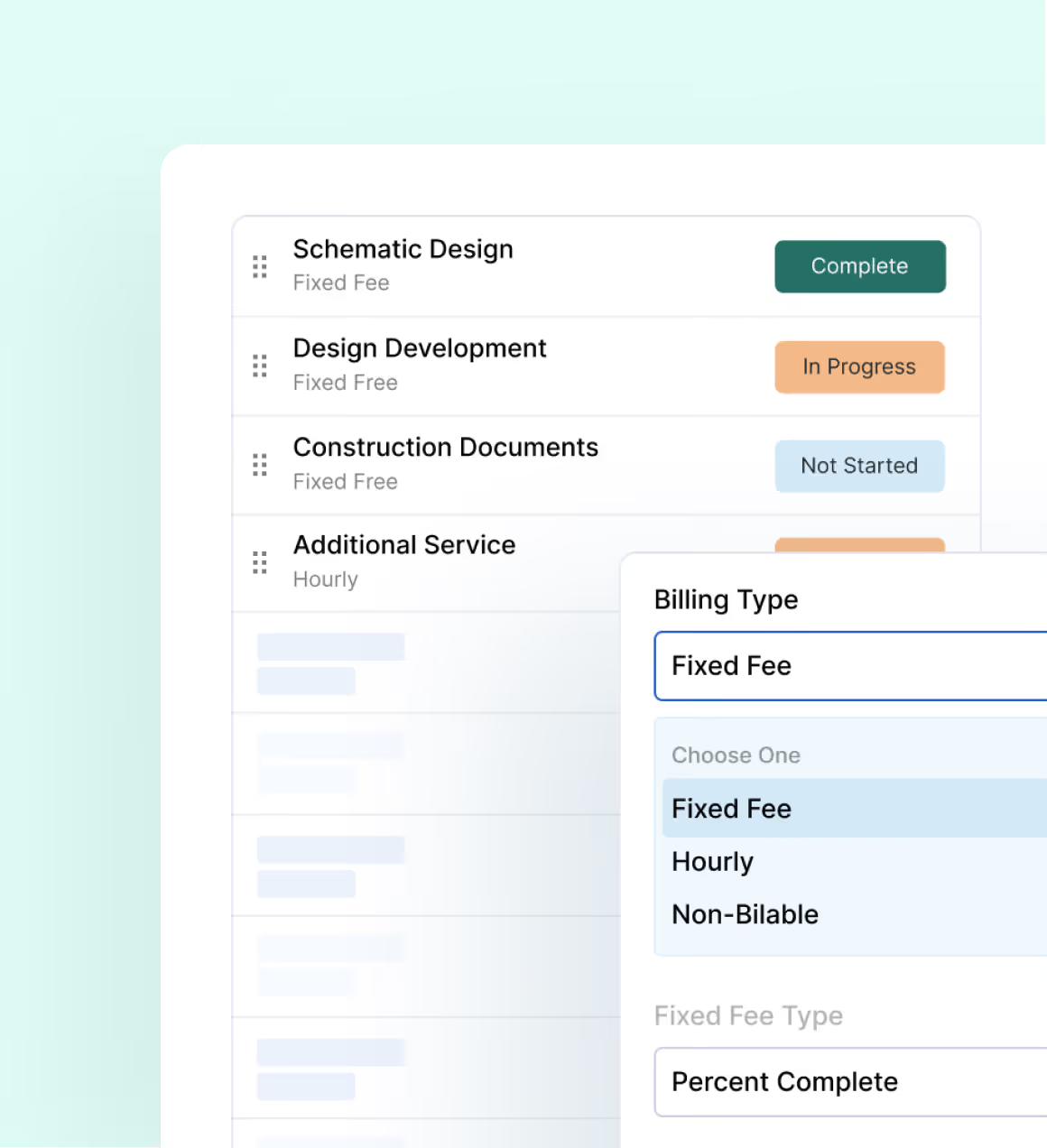
Use templates and past actuals to build a clear budget, manage fixed fee and hourly in one place, and let one budget run time, schedule, and billing.
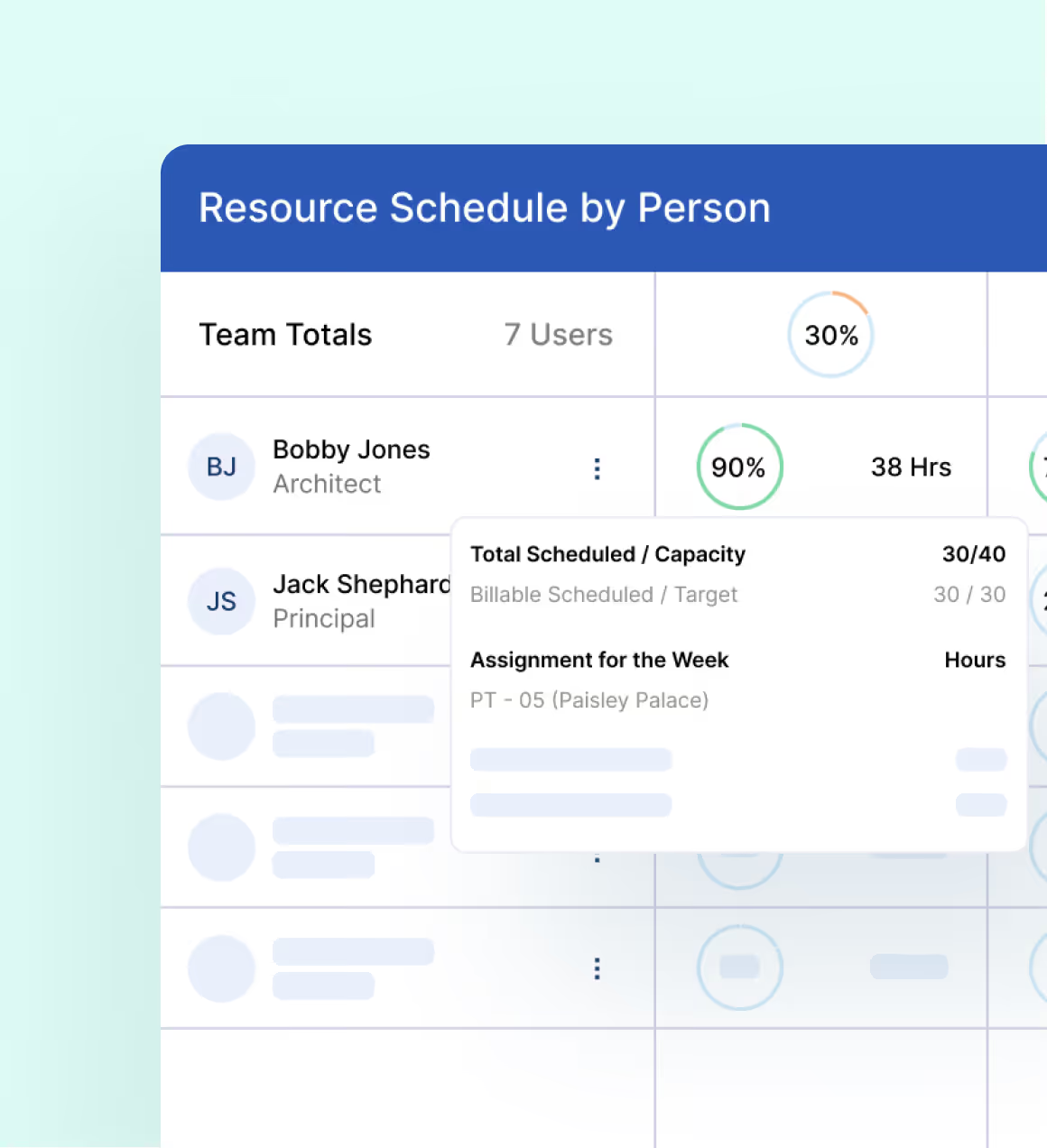
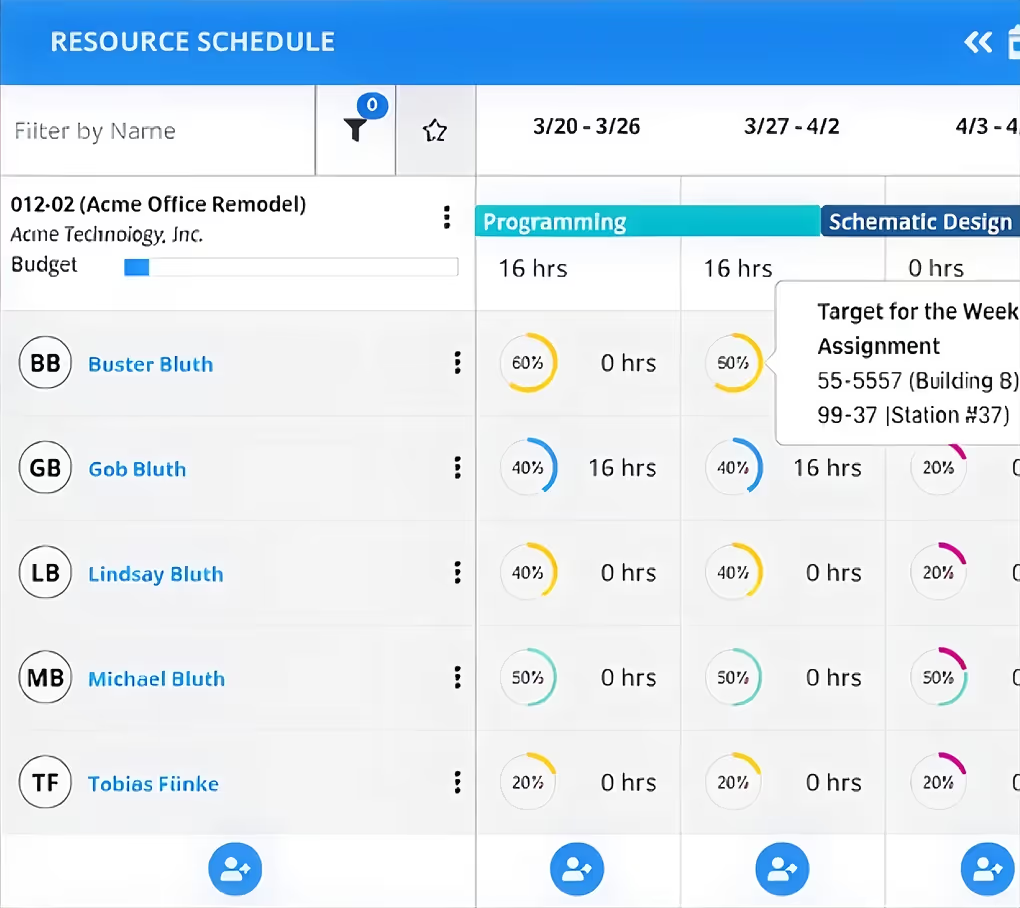
See availability, match the right person to the right task, and watch utilization and projected spend update in real time to keep work balanced and projects on track.
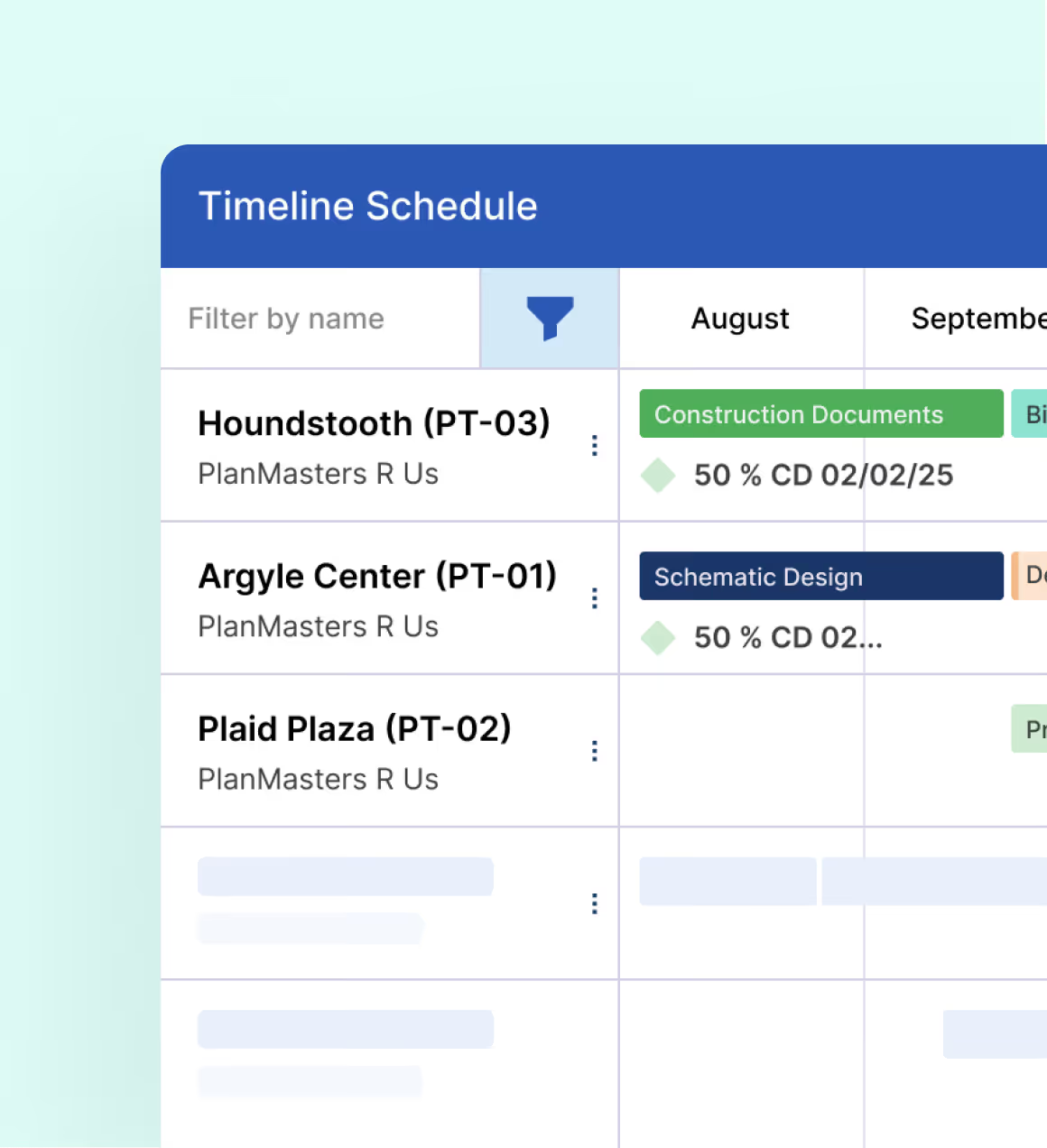
Plan phases, tasks, and milestones in one view, spot overlaps in seconds, and keep budgets, forecasts, and percent complete in sync.
Tracking
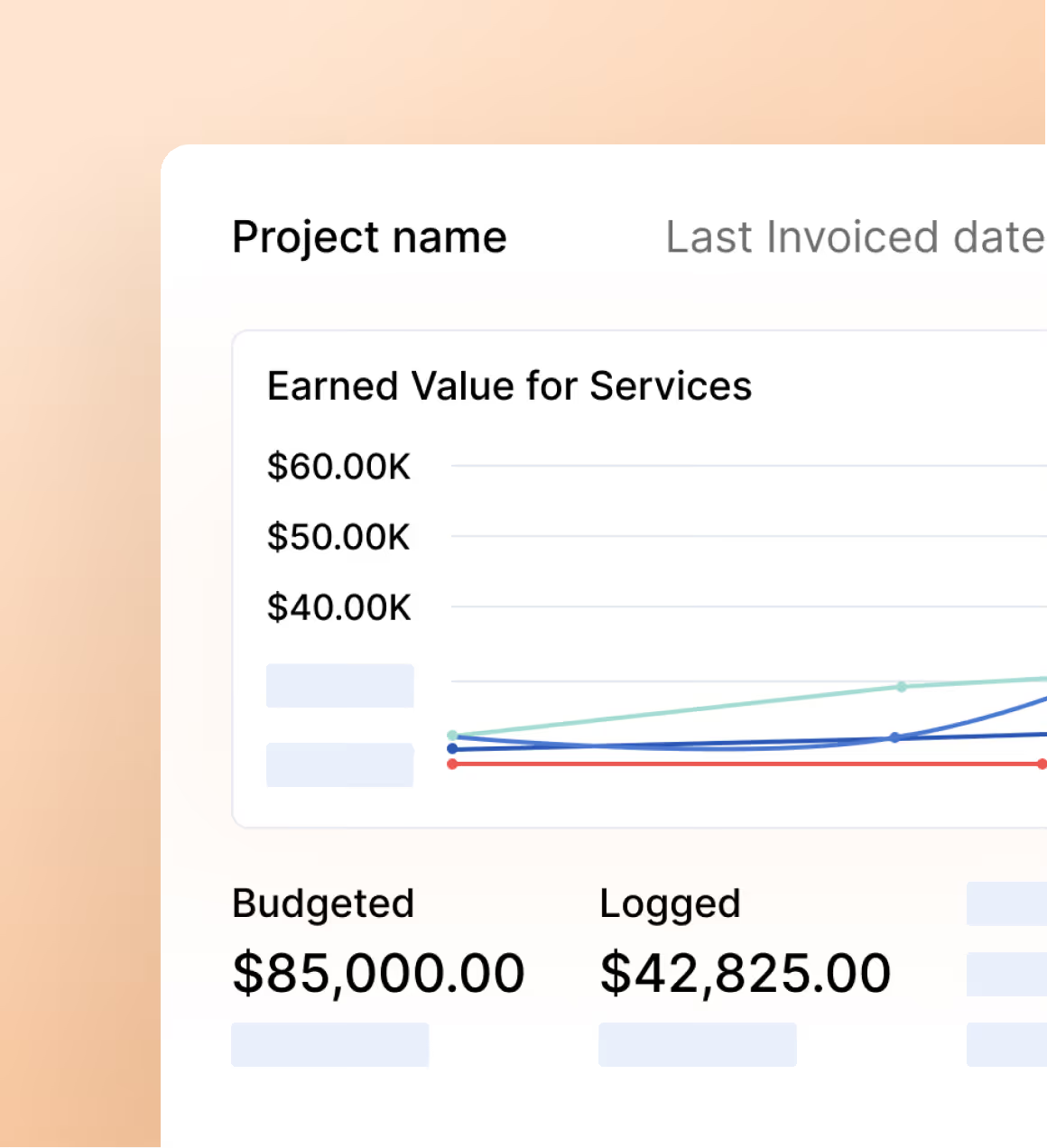
View your entire portfolio in one live dashboard, compare side by side, dig into hours, budgets, and forecasts so your team can turn red flags into fixes fast.
Track time and expenses in one place, see budgets update live, and turn approved entries into accurate invoices that capture every dollar.
Turn plans into action with clear owners and instant reminders, while automatic updates keep everyone aligned even as details and dates shift.
Billing
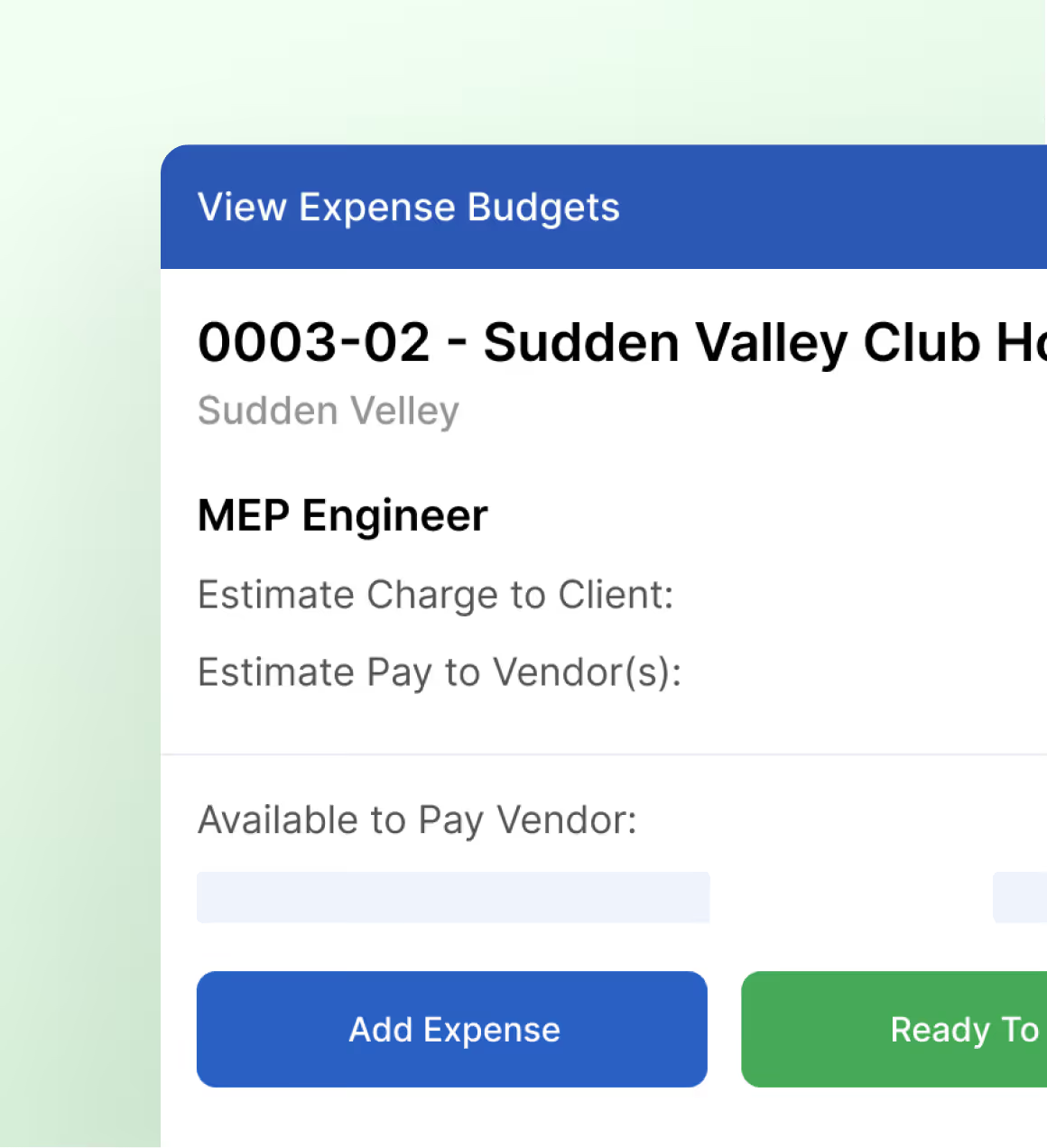
Keep firm fees and subconsultant work separate yet connected. Track contracts, progress, and billing in one flow so payments, retainers, and budgets stay clear.
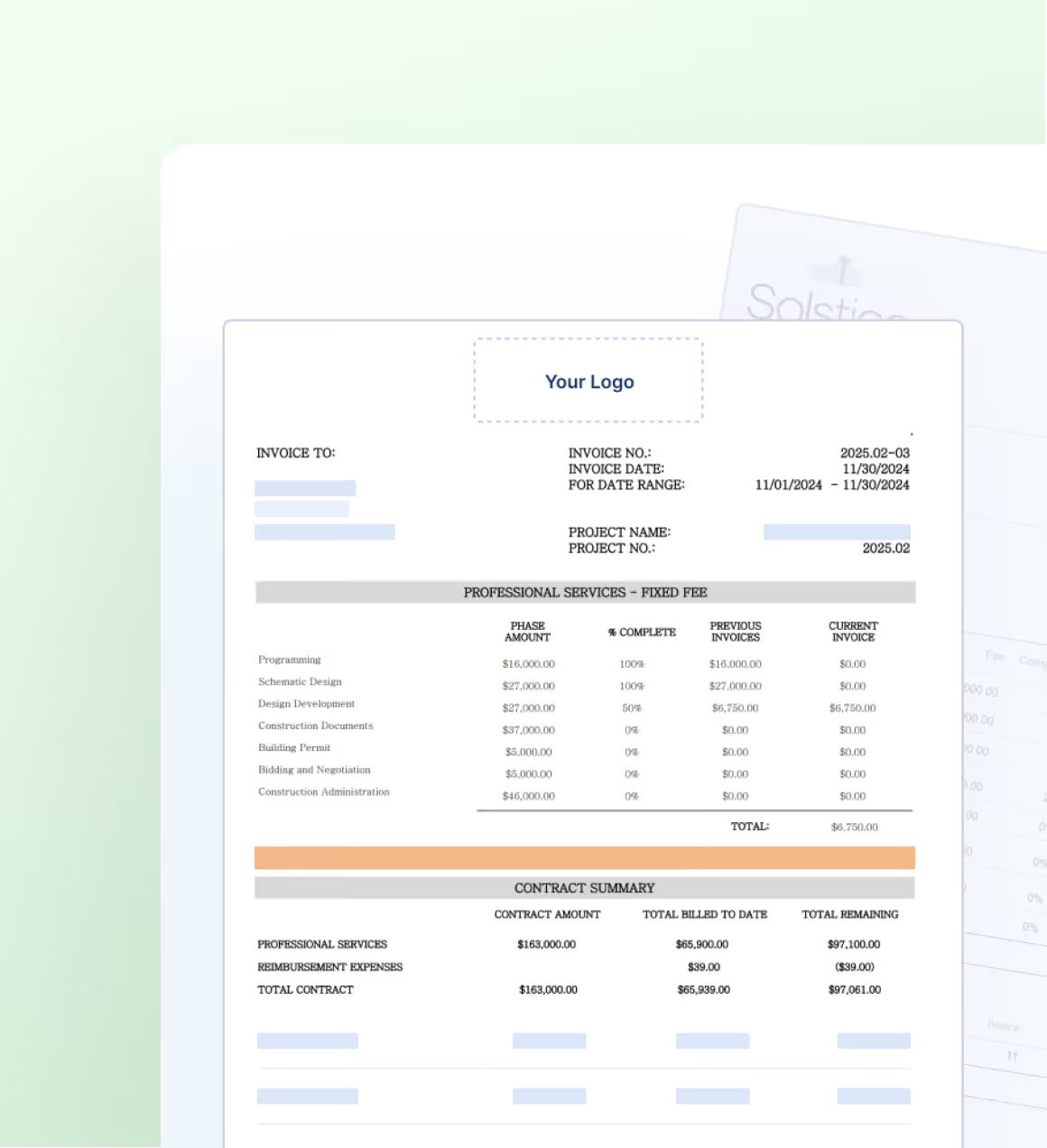
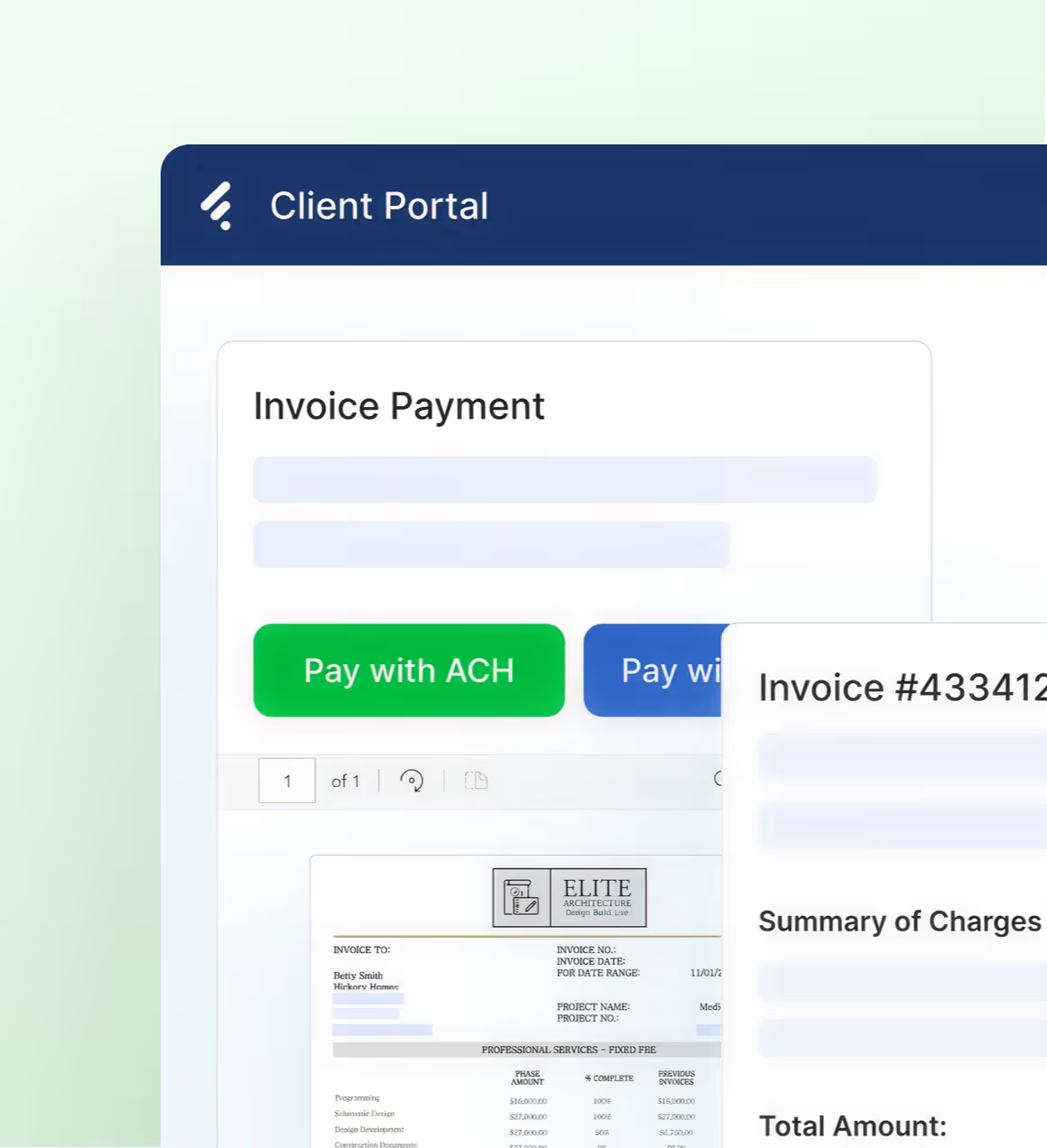
Send invoices your way for fixed fee, hourly, or phased work. Customize client views, track progress and deposits, and keep billing simple, accurate, and flexible.
Make paying simple and AR current. Clients pay from the invoice, invoice and payment statuses update in QuickBooks Online in real time, and you see the impact on budgets, cash flow, and open balances.
Reporting
See performance as it happens. Track project health, profitability, workload, and financial metrics in one clear view so you can make fast, informed decisions without digging through spreadsheets.
Project future revenue with confidence. Use scheduled work, budgets, and percent complete to understand what’s coming in, spot gaps early, and plan workloads and cash flow with more certainty.
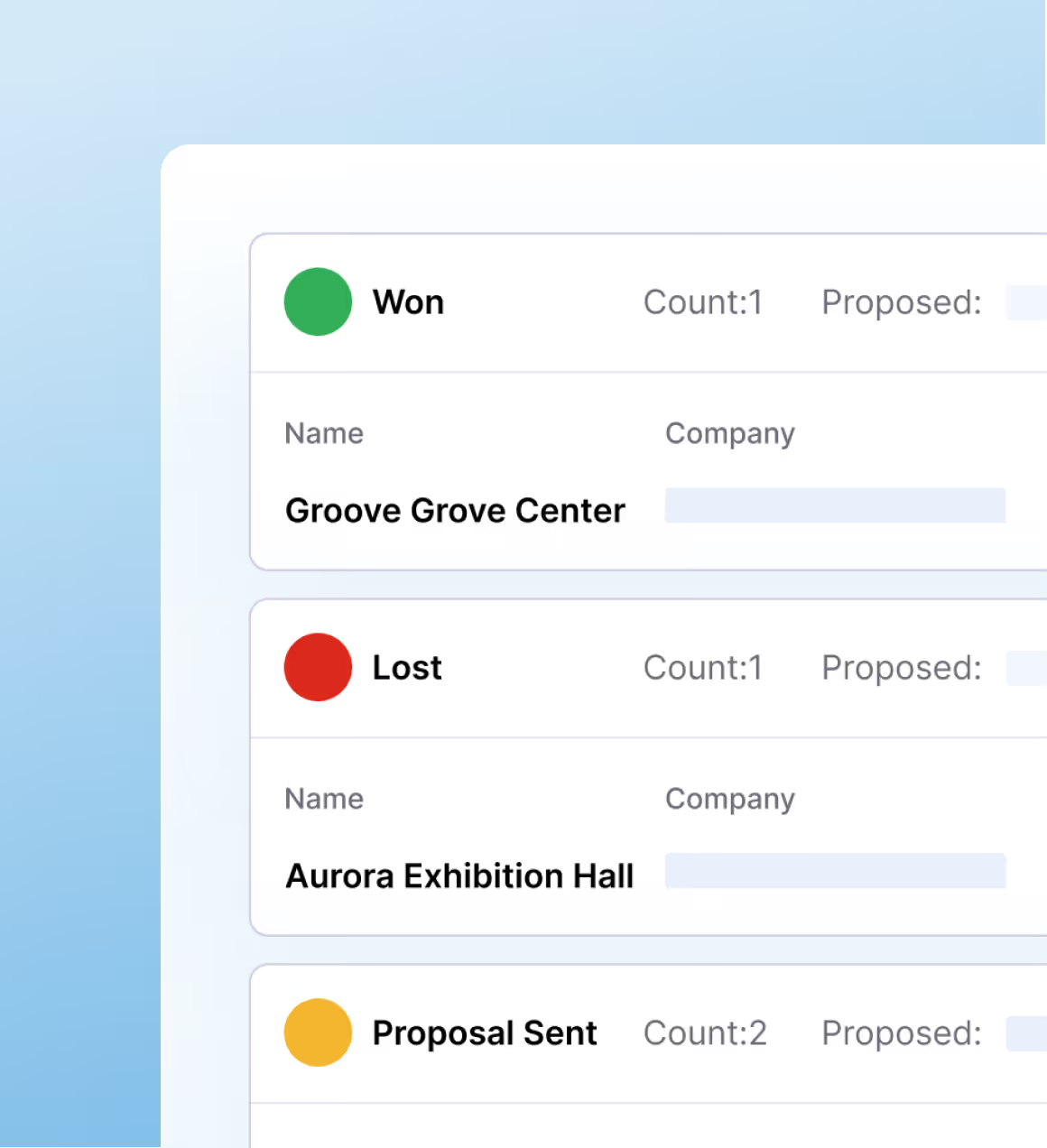
Follow every incoming opportunity from first conversation to signed contract. See status, potential value, and projected start dates so your pipeline, workload, and revenue plan stay aligned.
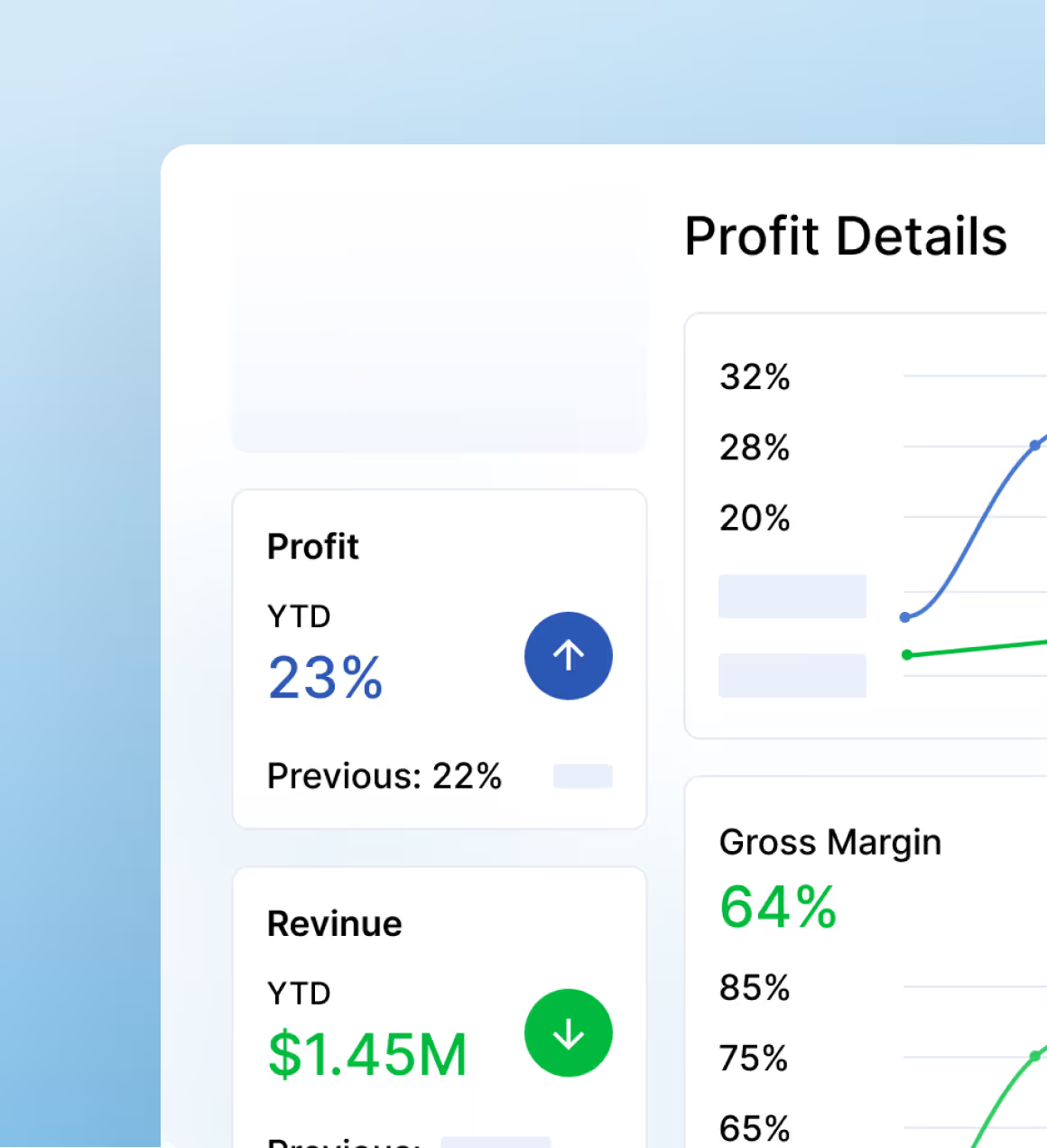

Track firm performance live.
See the metrics that matter most to architecture and engineering firms. Factor’s KPI dashboard updates in real time and focuses on the insights that fuel growth and profitability.
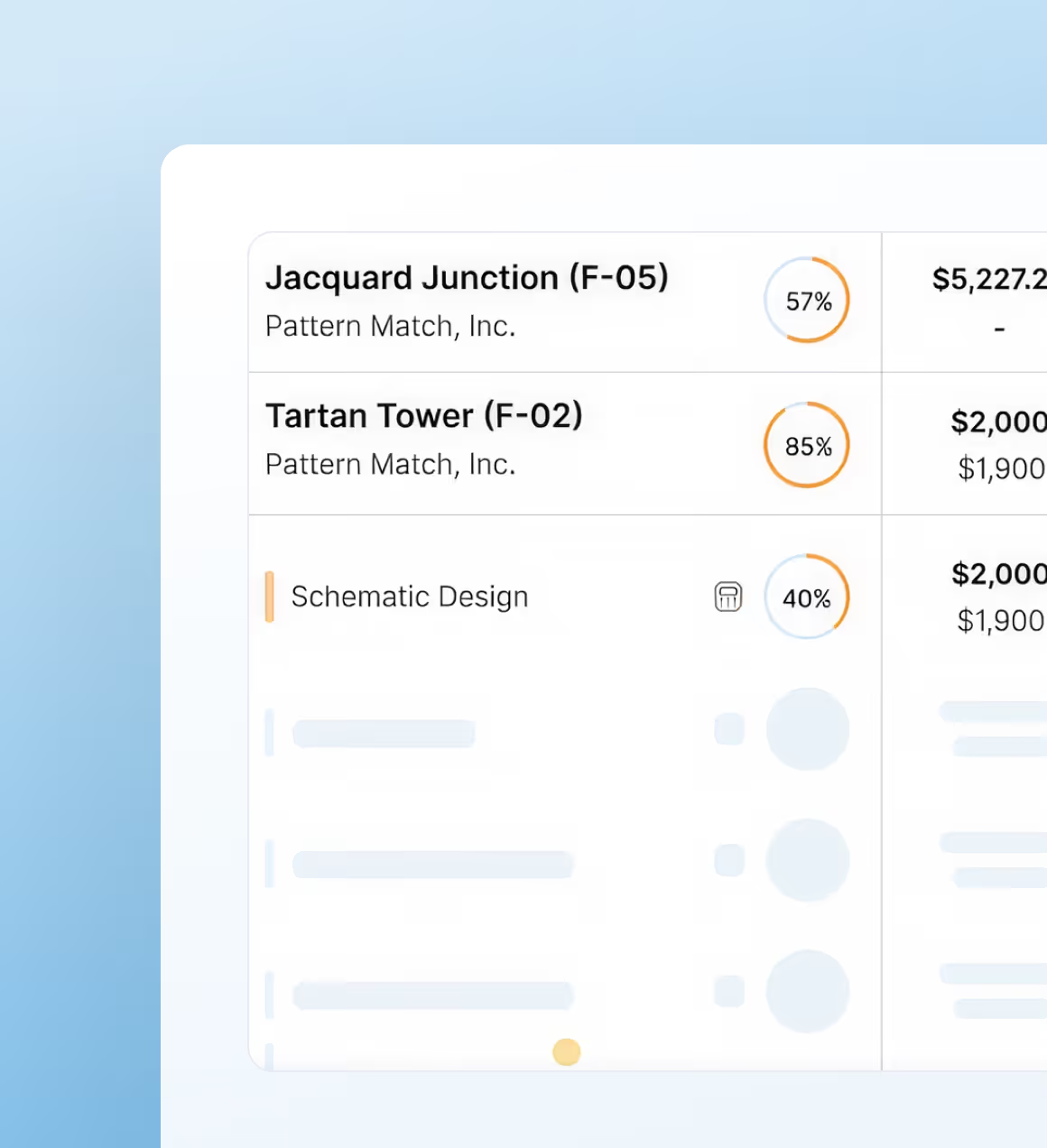
Know where every project stands.
Get a clear view of project progress at any time. The Pulse dashboards show planned, scheduled, and actual amounts side by side so firm owners can quickly see how projects are performing.
Stay ready for what’s ahead.
Forecast at both the firm and project level to understand workload, capacity, and upcoming revenue. See your current backlog, compare it to available resources, and know what to expect in the months ahead.
.png)
.png)
.png)
Factor’s impact on A&E firms is clear.
All metrics are based on self-reported customer data.
0hrs
saved every invoicing cycle.
000%
user adoption.
<1hr
to bill 30 projects.
1/00th
the price of Deltek.