


Introduction
Running a business is complex, especially in the Architecture and Engineering (A/E) sector. Whether you’re managing projects, tracking your team’s time, or handling finances, juggling everything can be overwhelming.
That’s where Factor comes in—a web application that takes the stress out of running your business. If you're looking for the Best A/E Firm Management Software, Factor may be just what you need.
Let’s break down what Factor is, how it works, and why it might be the perfect fit for your business.
What is Factor?
Factor is a cloud-based platform, which means everything you do on it is stored securely online. Whether you’re at the office or working remotely, all you need is an internet connection to access Factor. The platform is designed to be accessed from your desktop, laptop, or even a mobile device.
All your data is stored on Microsoft Azure, which offers a high level of security. You won’t need to worry about keeping sensitive information on your own servers or dealing with backups. Factor handles the heavy lifting so you can focus on what really matters—your business.
Secure, Seamless Access for Everyone
The first thing you’ll notice with Factor is how easy it is to get started. Every user gets their own username and password, and you can log in through a web browser. If your company uses Single Sign-On (SSO), Factor integrates with that too.
Once logged in, Factor customizes access based on roles. This ensures everyone only sees what they need without being overwhelmed with unnecessary data.
Example:
- Team members who need to track time will see only time-related features.
- Managers who handle projects and budgets will have access to broader functionalities.
This role-based access ensures a smooth and efficient workflow.
The Features That Make Factor Work for You
Factor’s not just about project management or time tracking. It’s a tool designed to tackle a lot of common headaches businesses face. Here’s how it helps:
1. Project Creation and Management
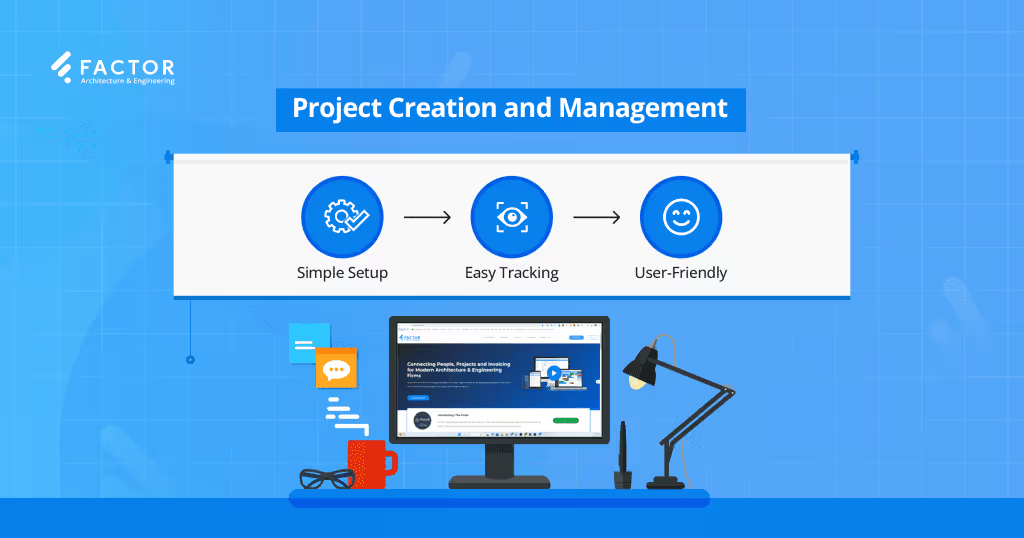
Managing new projects from start to finish can be daunting, especially when dealing with multiple tasks and team members. Factor simplifies this by offering easy-to-use tools for creating and managing projects. You can start a new project with just a few clicks and track everything from billing to assigning team members. Even if you’re not tech-savvy, Factor’s user-friendly design helps you dive into managing your projects quickly and efficiently.
- Simple Setup: Create projects from scratch or using pre-built templates.
- Comprehensive Tracking: Manage billing, team members, and expenses in one platform.
- User-Friendly: No technical expertise is required to start managing projects
2. Resource Scheduling: Clear Allocation of Resources
Resource scheduling is crucial for project success, especially when dealing with tight timelines and overlapping tasks. Factor makes it easy to allocate resources effectively by giving you a clear view of who is working on what and when. This helps prevent team members from being overbooked or underutilized and ensures everyone is clear on their responsibilities.
- Assign Team Members: Assign team members to specific projects.
- Track Hours: Monitor how many hours each person is expected to work.
- View Schedules: View everyone’s schedule at a glance to prevent overbooking or underutilization.
3. Time Tracking Without Hassle
Keeping track of employee hours and approving timesheets doesn’t have to be a chore. Factor makes time tracking straightforward, allowing employees to log their hours quickly and managers to approve them with just a click. The integration with QuickBooks Online further simplifies the process, syncing expenses and ensuring everything stays organized.
- Easy Logging: Employees can log hours in just a few clicks.
- Quick Approval: Managers can approve timesheets instantly.
- QuickBooks Integration: Syncs with QuickBooks Online to streamline financial management.
4. Budget Tracking and Forecasting
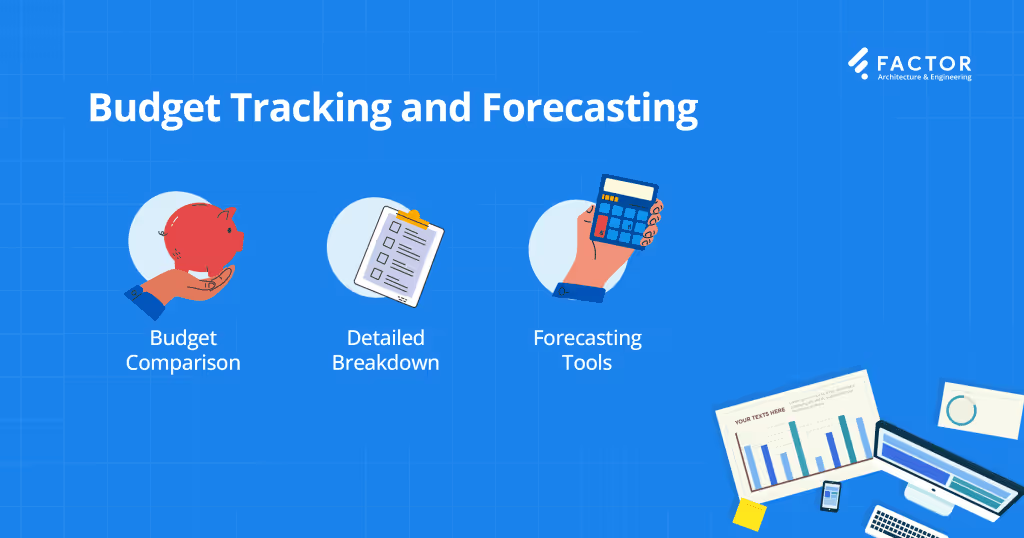
One of the most critical aspects of project management is staying on top of your budget. With Factor, you get real-time visibility into your budget’s status, allowing you to track how much time and money has been spent and where it’s going. Factor also offers forecasting tools that help you anticipate future spending, ensuring you stay within budget and avoid unpleasant surprises.
- Budget Comparison: Real-time comparisons of budgeted vs. actual costs.
- Detailed Breakdown: View budget allocations across different project phases and tasks.
- Forecasting Tools: Predict future spending based on current data trends.
5. Customer Relationship Management (CRM)
Effective client relationship management is key to a growing business. Factor’s CRM helps you manage your contacts, track leads, and follow up with potential projects—all from one place. It provides you with a streamlined view of your client relationships, making it easier to stay organized and never miss an opportunity.
- Centralized CRM: Keep all client contacts and leads in one place.
- Custom Views: Choose between list or board layouts to manage your opportunities.
- Follow-Up Reminders: Stay on top of leads with automated reminders for follow-ups.
6. Invoicing and Expense Management
Factor’s invoicing system makes it simple to create professional invoices for your clients, whether you’re billing for fixed fees, hourly work, or expenses. You can easily keep track of payments and generate real-time invoices from the same platform, eliminating the need for multiple apps and spreadsheets.
- Flexible Billing: Bill for fixed fees or hourly work.
- Expense Tracking: Manage and reimburse expenses from one platform.
- Real-Time Invoices: Send professional invoices and track payments instantly.
7. Custom Reporting
Custom reporting is crucial for businesses looking to make data-driven decisions. Factor provides you with the ability to create detailed reports that give you insights into your company’s performance. Whether you’re interested in tracking project profitability or overall business health, Factor’s KPI dashboards provide you with the real-time information you need to stay on top of your business.
- Project Profitability: Track the financial health of individual projects.
- Customizable Reports: Tailor your reports to focus on the data that matters most.
- Real-Time Data: Access up-to-date metrics on firm performance.
How Does Factor Fit Into Your Budget?
One of the things businesses love about Factor is its pricing model. It operates on a subscription basis, with options to pay $36 per user per month, or $30 per user per month if you pay annually. There’s also a discount for larger firms—if you have over 25 or 50 users, you get a break on the price.
In addition to the subscription, there’s a one-time onboarding fee that ranges based on firm needs. This fee covers setup and support to ensure you and your team are comfortable with the platform right from the start.
Why Should You Consider Factor?
Factor is more than just another project management tool—it’s a way to bring your entire business together in one place. It’s designed to help you work smarter, not harder, by offering features that directly address the day-to-day challenges many businesses face.
If you're looking for the Best A/E Firm Management Software, Factor might just be what you need. With its user-friendly interface, robust features, and secure cloud storage, it’s an investment that can pay off by streamlining your operations and freeing you up to focus on what you do best.
Give Factor a try and see how much smoother your operations can be with everything at your fingertips. Embrace the future of project management and discover why Factor is becoming the go-to choice for A/E firms everywhere.
1. What types of businesses can benefit from using Factor?
Factor is ideal for Architecture and Engineering (A/E) firms but can also suit various project-based businesses seeking streamlined management.
2. Is Factor easy to use for non-technical team members?
Yes, Factor features a user-friendly interface, making it accessible for everyone. Onboarding support is available as well.
3. How does Factor ensure data security?
Factor uses Microsoft Azure for secure cloud storage, protecting your data with advanced security measures and regular backups.
4. Can Factor integrate with other software tools?
Yes, Factor integrates with QuickBooks Online and other tools, allowing easy syncing of financial data.
5. Is there a mobile app available for Factor?
Factor is a responsive web-based application, so you can use all parts of Factor from your phone via the browser of your choice without having to download a separate mobile app.

Recommended articles

.avif)
See Factor in action
In one quick call, we’ll show you a simpler way to run projects and get paid faster.
.png)
“I recommend Factor to other firms. The team is great, it’s easy to use, and it has streamlined my project management. It can do the same for yours.”
Adam Mayberry
Architect / Managing Principal


